Client-first setup
Keep each assessment attached to the intended client record from the beginning.
01 · Guided movement capture
MoveMetrix helps professionals select the correct client, choose a supported assessment, position the camera, and guide the client through movement capture with clear readiness and positioning prompts.
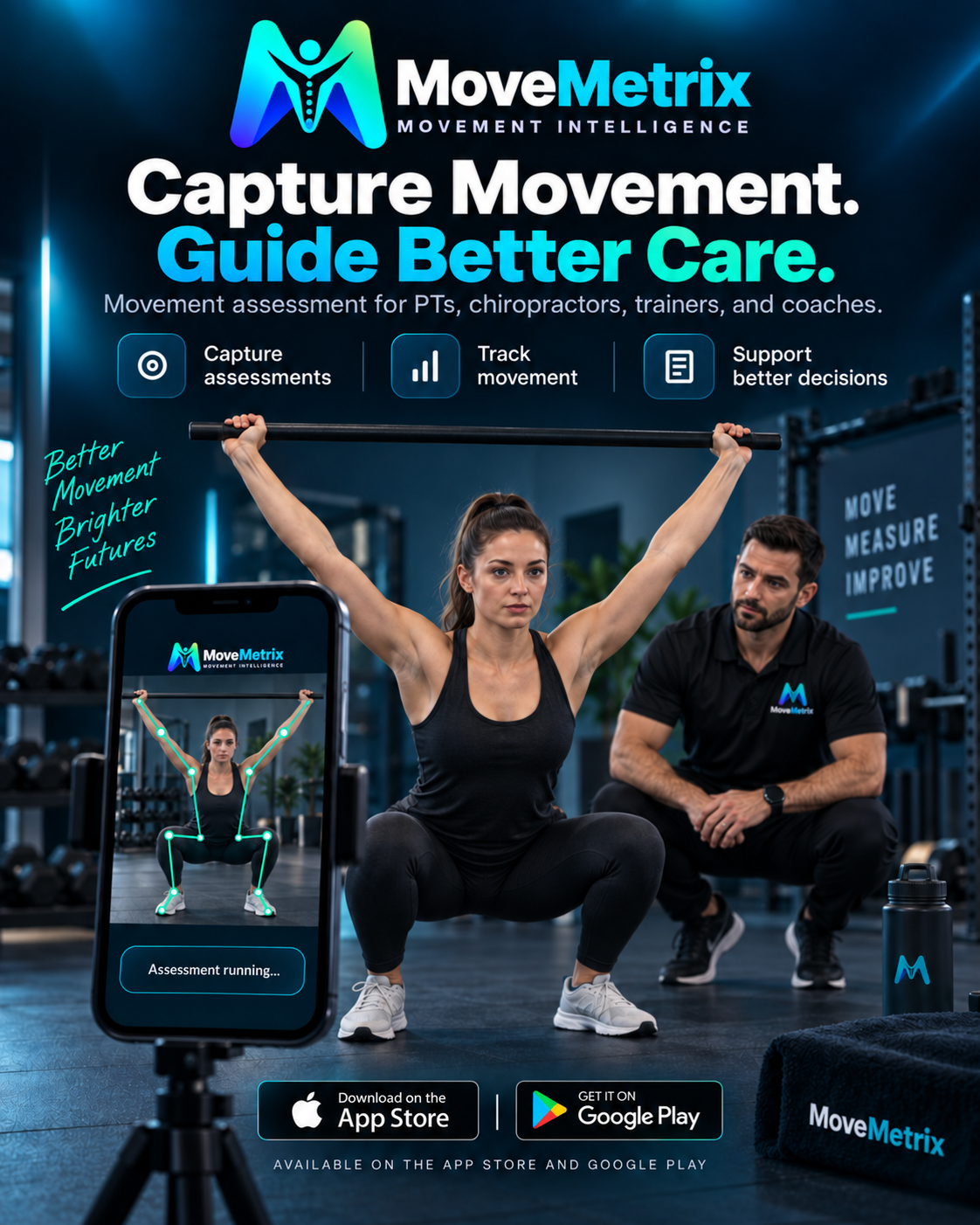
MoveMetrix Assess
A useful assessment starts before the first repetition. MoveMetrix organizes the setup so the professional can confirm the client, assessment, camera view, and capture conditions before recording movement information.
Keep each assessment attached to the intended client record from the beginning.
Use clear setup and framing prompts to improve visibility for supported assessments.
Review the on-screen body outline and landmark tracking while the assessment is performed.
How it fits together
Select the client and the supported movement assessment.
Follow view, distance, and visibility guidance before capture.
Record the movement while monitoring readiness and tracking feedback.
Professional context
MoveMetrix supports movement screening and documentation. The professional remains responsible for client consent, safe test selection, observation, interpretation, and deciding whether an assessment should continue.